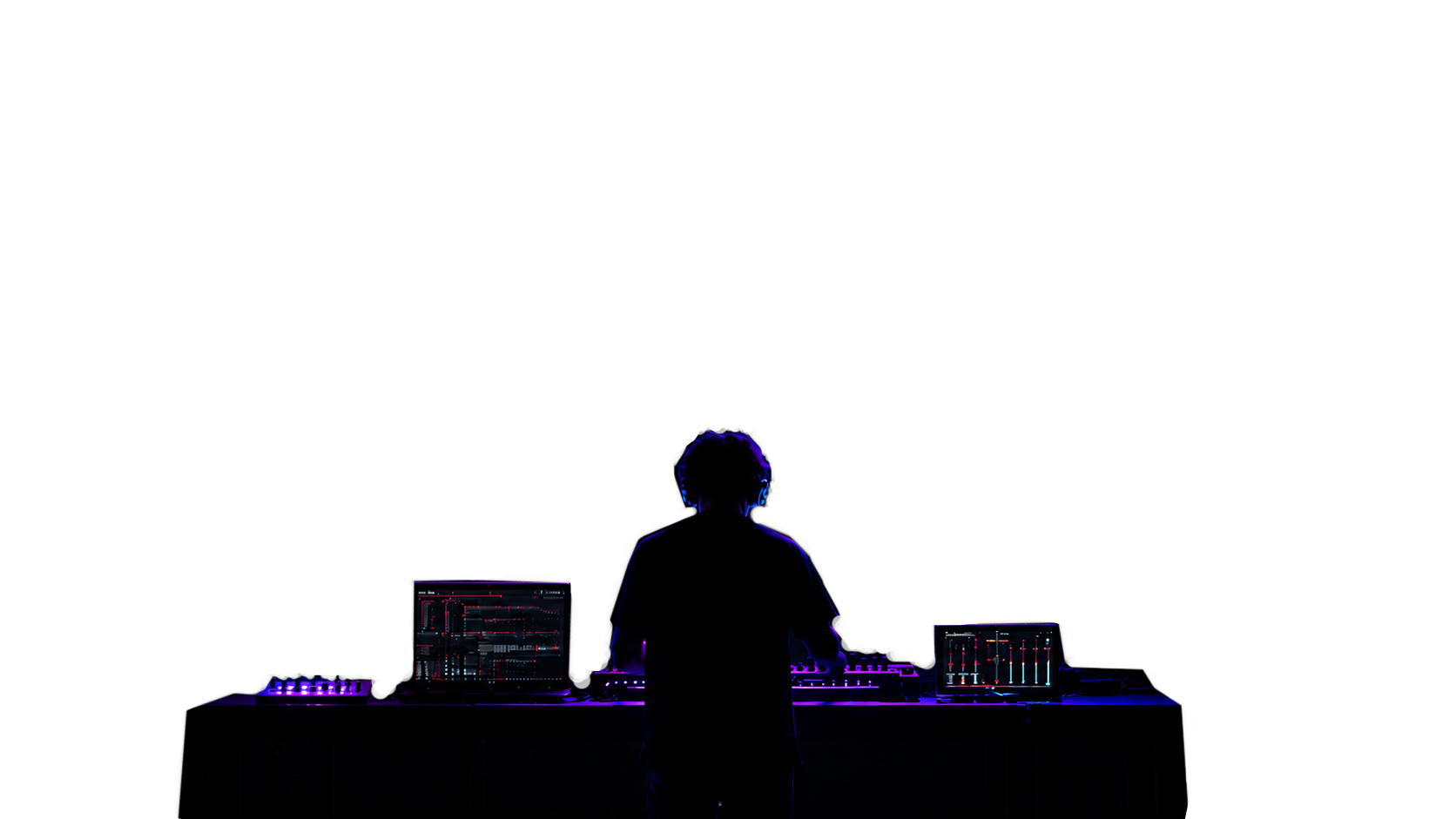
SYNZ Studio live with reactive visuals
Modular DAW · with visuals and live performance

SYNZ STUDIO

Play live, capture the moment, share it.

A modular DAW that runs entirely in the browser. Load the rack you need: instruments with character, sequencers, multitrack, a console with inserts and sends, and reactive visuals for playing live.

Works offline · MIDI, mic and guitar in · nothing to install · real free tier
The starting rack
Three modules are already a track

A drum machine, a bass and a synth: the minimum rack to write a whole track and record the take. From there you load whatever the piece asks for. Nothing to install.

1 Paint a beat

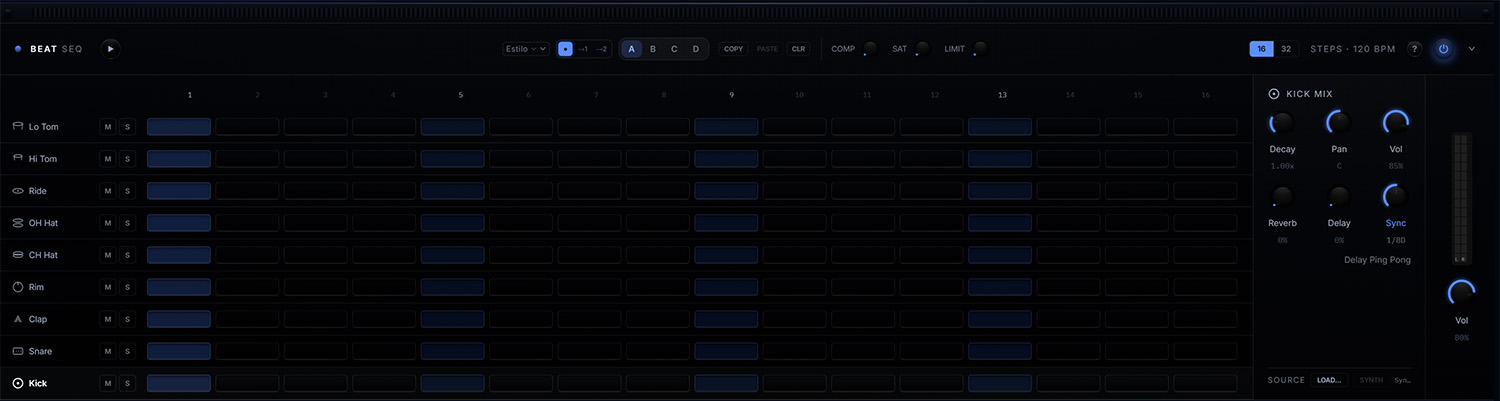
Eight instruments and 16 steps. Click the cells and a pattern is already playing; click again to accent or erase.

SYNZ Studio — Beat Seq
Paint a beat
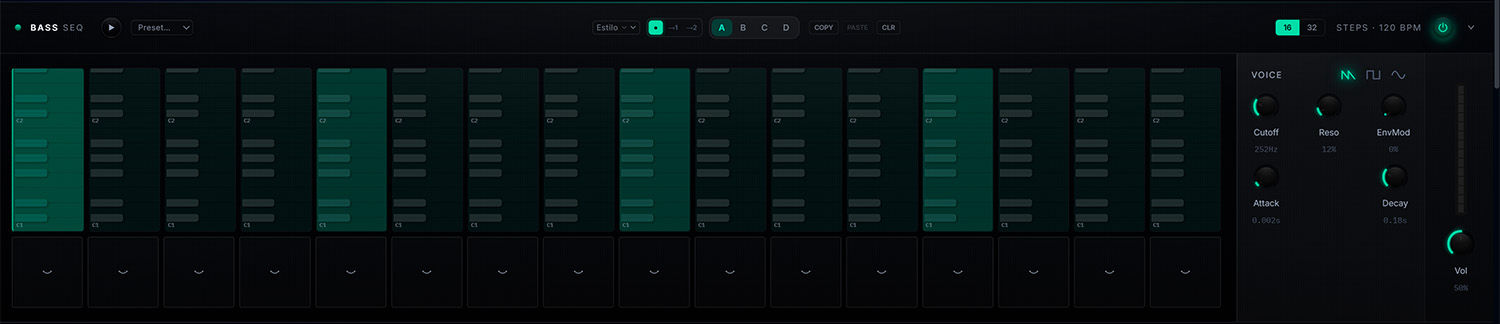
2 Add the bass

A per-step piano roll with slides. It follows the key you choose, so nothing sounds out of tune.

SYNZ Studio — Bass Seq
Add the bass
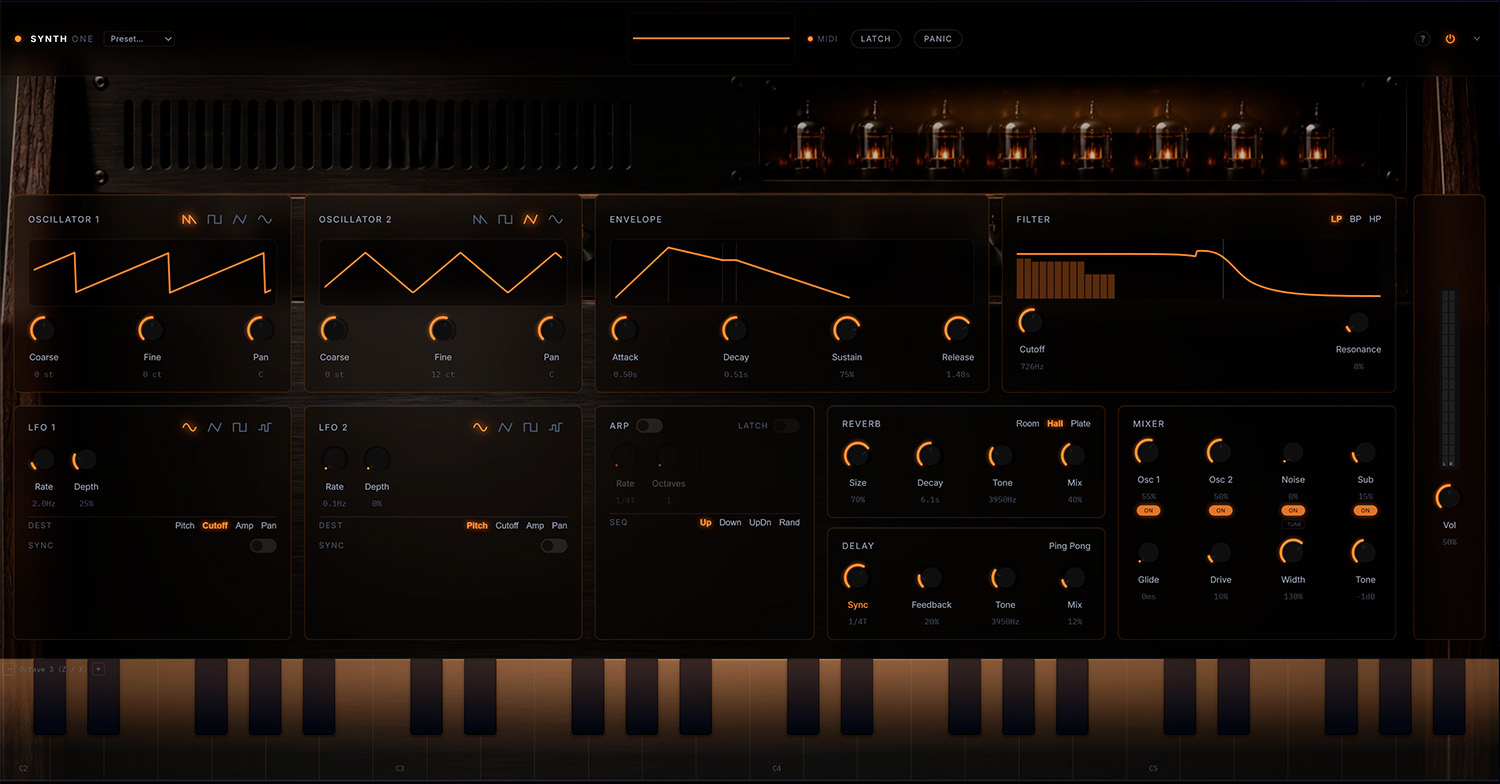
3 Play the synth

Two oscillators, filter, envelope, LFO and effects. Play it with the mouse, your computer keyboard or a MIDI controller.

SYNZ Studio — Synth ONE
Play the synth
SYNZ is made for computers

The studio needs a big screen and a mouse: mixing console, multitrack and sequencers. Open it on your computer for the full experience.

Your phone still has a role: connect it as a remote instrument for the studio.

All in one
A complete, modular studio

Load only the modules you need — each one shows up in the rack, the multitrack and the console at once. There are beat, bass, chord and sample sequencers; a real acoustic drum kit; synths like the ONE, the arpeggiator, the chord pads and the acid machine; and oddities like the ribbon Trautonium or the harmonium. New ones arrive with every update.

Instruments

Synths, bass, chords, arpeggiator, sampler and oddities like the ribbon Trautonium. The rack grows with every update.

Rhythm & sequencing

Drum machine and 16/32-step sequencers, with swing, ratchets, A/B/C/D banks and per-style patterns.

Mix & effects

A full console with EQ, sends and inserts: reverb, delay, saturation, compressor, limiter and transition effects.

Record & edit

Multitrack with clips, audio and MIDI: record what you play or plug in a mic or a guitar, edit and export to WAV or MP3.

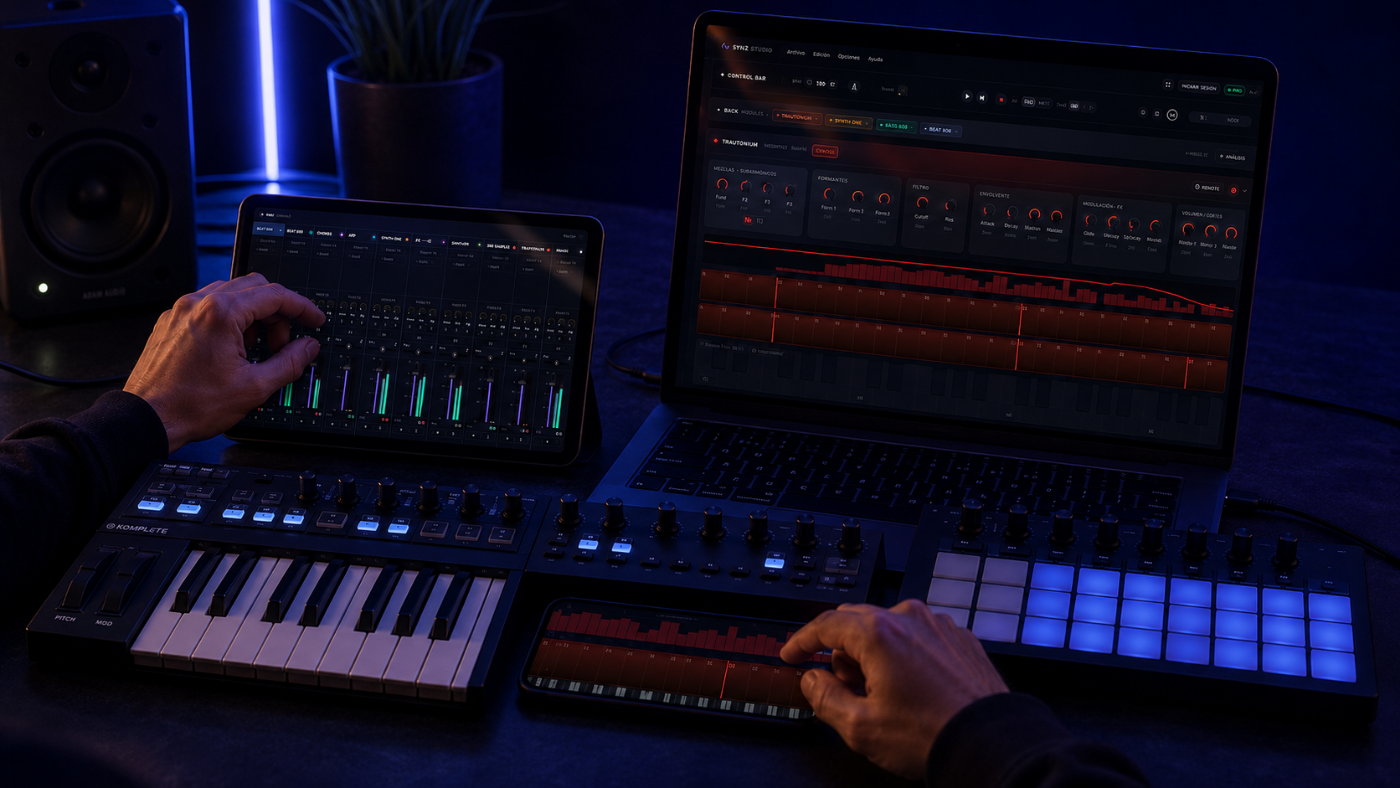
SYNZ Studio remote control from tablet and phone
Extra for live sets
Turn your devices into controllers

Scan a QR code and your phone or tablet becomes a controller for the session: ribbons, effect pads, the console or transport. No apps to install, and you can connect as many as you want at once. Optional: SYNZ works just as well without them.

  • Instant QR connection, no apps
  • Link as many devices as you want: the tablet on the console and the phone on the pads, at the same time
  • Continuous-pitch ribbon with vibrato and glissando
  • Effect pads and console faders from your tablet
  • Map any MIDI controller or keyboard to any control
Extra for live sets
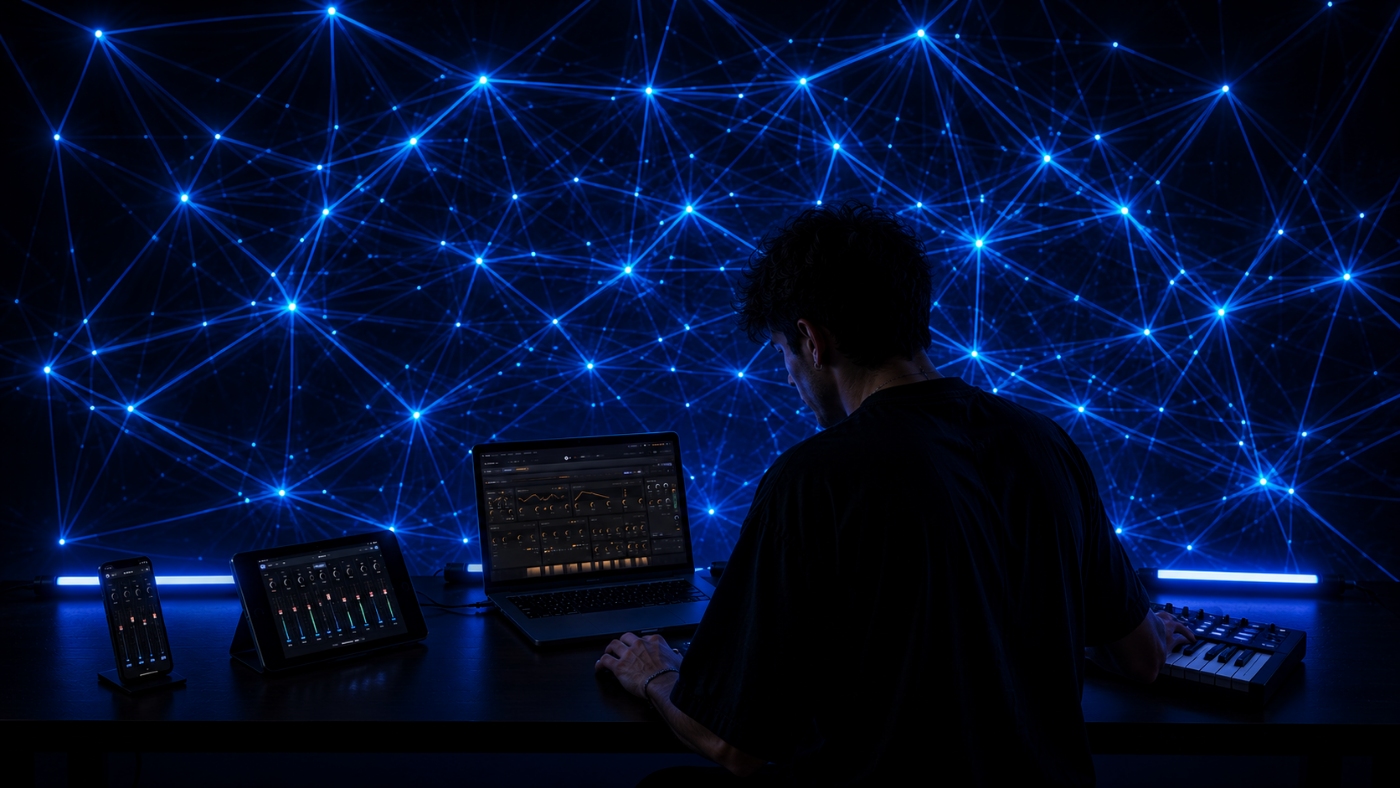
Add visuals to your live set

If you play live, SYNZ can generate the image: geometry and color fields that react in real time to what's playing. Pick the source (kick, notes, LFO…) and send it to a second screen or projector. Optional: it's one more layer, you don't have to use it.

  • Minimal presets: nodes, mesh, dots, perspective
  • Reactive per element — each source drives its own motion
  • Window / fullscreen output for projection
Reactive visuals generated live with SYNZ Studio
Takes
What happens once, stays

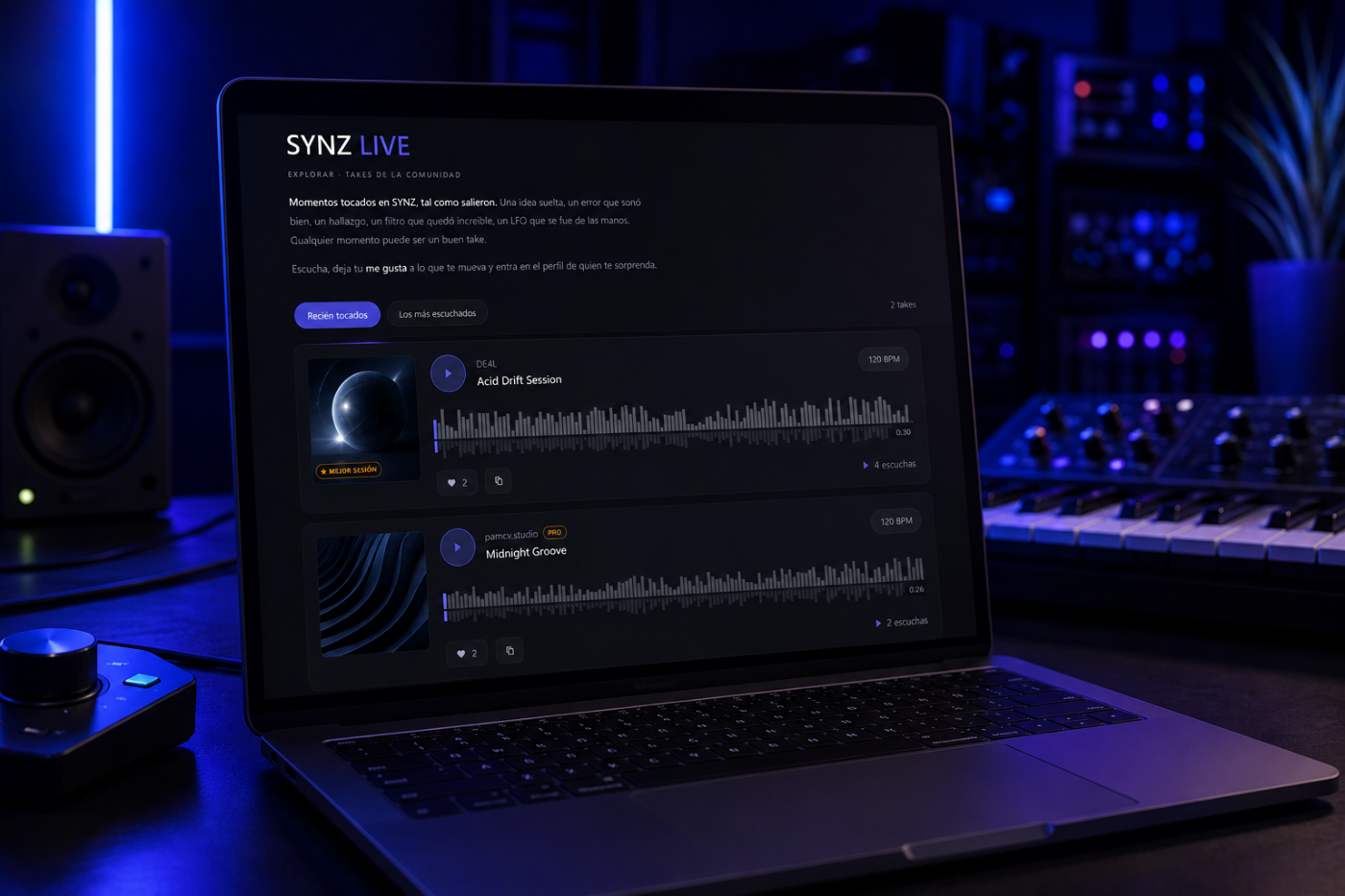
A take is 30 seconds of a real performance: what was playing while you played, as is, nothing touched up afterwards. You record while you play and, when you stop, drag a selector over the waveform to the best moment. No editing: pick and share.

  • Record inside the studio, while it plays
  • Drag the 30-second selector to the best part
  • Publish in one click — nothing else to edit
  • It shows up on your profile and in Explore
  • The most played earn badges

Listen to what others publish, follow whoever surprises you and share your own. That's SYNZ LIVE.

Community takes in SYNZ
Training
Guided tutorials, inside the studio

The documentation lives inside the studio: each walkthrough points at the control and explains what it does, with voice, while the music keeps playing. It invites you to try it while the music plays. Included, also on the free account.

01

Your first rack

Build the rack, start the tempo, write a pattern and record the take. Under a minute.

When you arrive
02

Synth ONE

Oscillators, envelope, filter, LFO, arpeggiator and effects. By the end you'll understand any synth, not just this one.

Synthesis from scratch
03

Beat Seq

Painting steps, two velocity levels, opening the hi-hat to build tension, per-style patterns and chaining banks.

Rhythm from scratch

Every module has its own under the ? button in its header, and we keep adding more — console, multitrack and visuals. Full courses will come later for anyone who wants to go deeper.

Pricing
The whole studio for €9 a month. With a real free tier.
Free
€0
  • ONE synth, Beat and Bass
  • Multitrack and mixer (4 tracks, volume and pan)
  • Save projects, record and publish takes
  • One visuals preset
  • Works offline
Create a Free account
Pro
€9 / month
  • All 22 modules and instruments
  • Unlimited tracks, inserts, EQ and sends
  • Export to WAV and MP3
  • Live visuals + phone control
  • All courses included
  • Updates and new modules
Try Pro

Open a tab.
Start making sound.

▶ Open the Studio