Controllers · Novation
Native integration
with Novation.
Two Novation controllers with native integration in SYNZ Studio: SYNZ recognizes them the moment you plug them in and gives each its own module, with the device drawn just as it is and every control already mapped. What you play lights up on the drawing, and everything can be changed.
Recognized when you plug them in Each with its own module and drawing Everything can be remapped
Novation
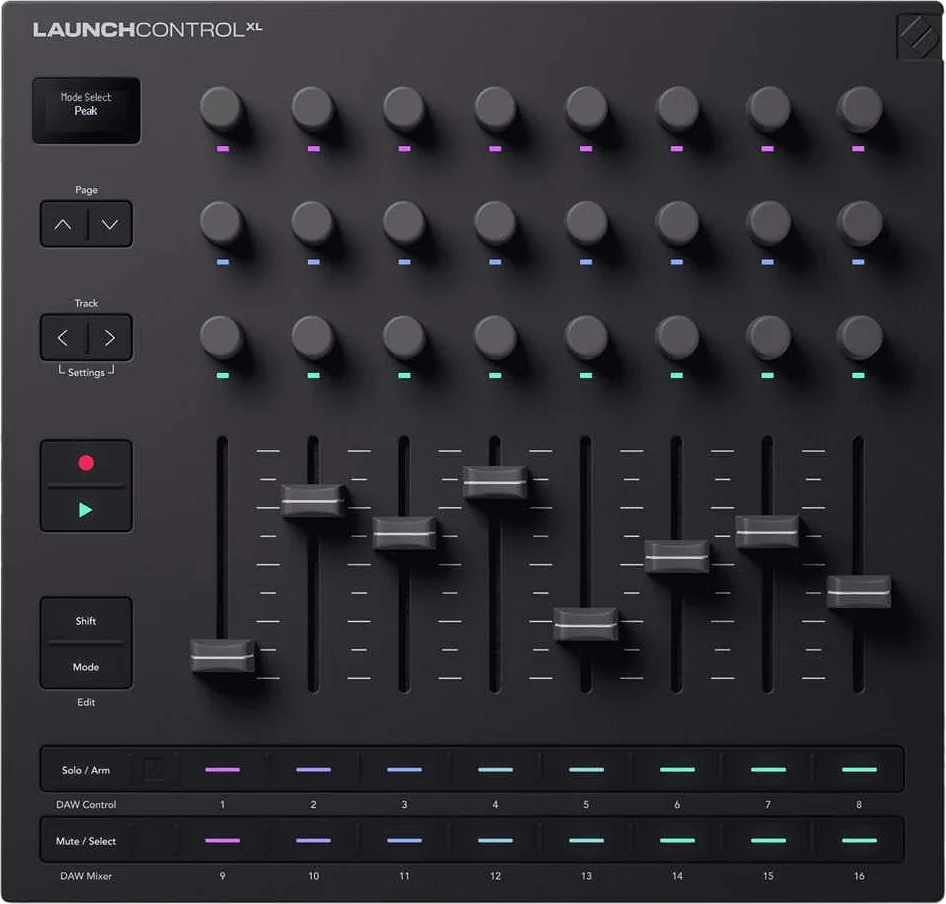
Launch Control XL 3
SYNZ switches it to DAW mode when you plug it in: mixing, transport and the instrument parameters, with the coloured lights of its palette. Its MIDI port stays free for Map.
- DAW Mixer — volume faders, sends A and B, pan, solo and mute.
- DAW Control — 16 parameters of the selected instrument.
- Track ◀ ▶ and Page ▲▼ — change track and sends.
- Play and Record — the studio transport.
Novation
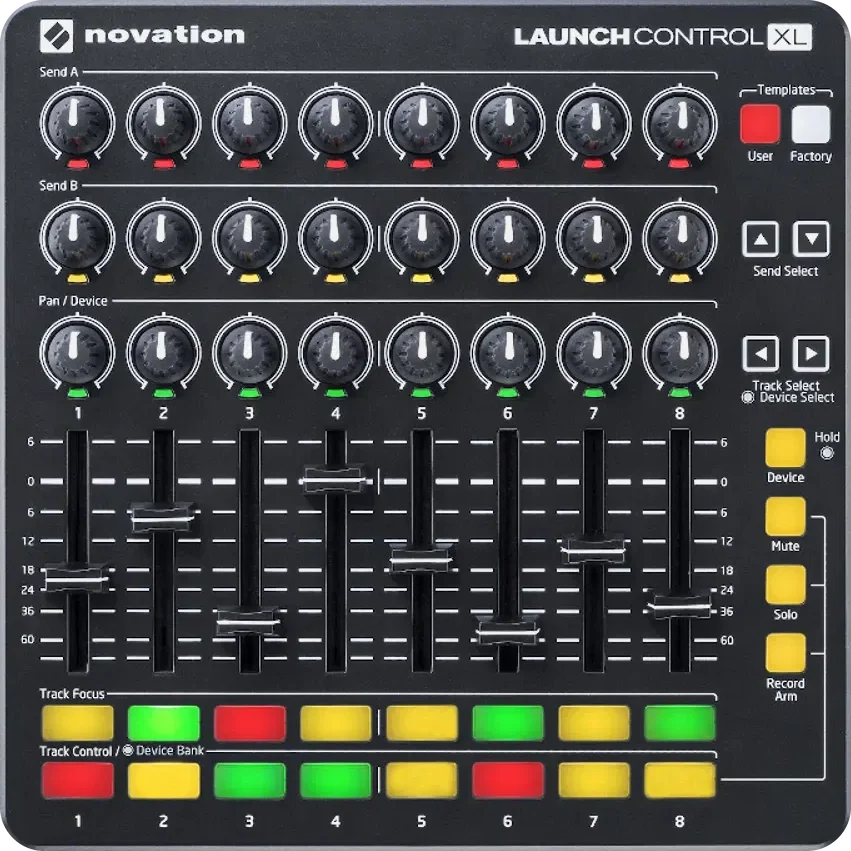
Launch Control XL
The mixer in your hands, just like the Ableton script: eight faders, twenty-four knobs and two rows of buttons, with their lights.
- Faders — volume for 8 tracks.
- Knobs — send A, send B and pan.
- Buttons — select track, mute and solo.
- ◀ ▶ — the previous or next 8 tracks.
- Factory templates — 1, the mixer; 2 and 3, the Beat Seq.
- No jumps — the value follows the knob from the very first move.
Plug yours in and play.
Open SYNZ Studio in your browser, plug in your controller and it shows up in the library. Nothing to install.