Native integration.
Any MIDI keyboard or controller works in SYNZ Studio. These go further: SYNZ recognizes them the moment you plug them in and gives each its own module, with the device drawn just as it is and every control already mapped. What you play lights up on the drawing, and everything can be changed.
Every MIDI controller. Plug it in over USB and it plays the instrument in focus. You assign each knob or button yourself with Map: pick it in the studio, move it on the device and they are linked.
The ones on this page. SYNZ knows what they are and what every control does. When you plug them in they show up in the library, under Controllers, with their own window: the device drawn, what each control does in orange and the device lights, in sync.
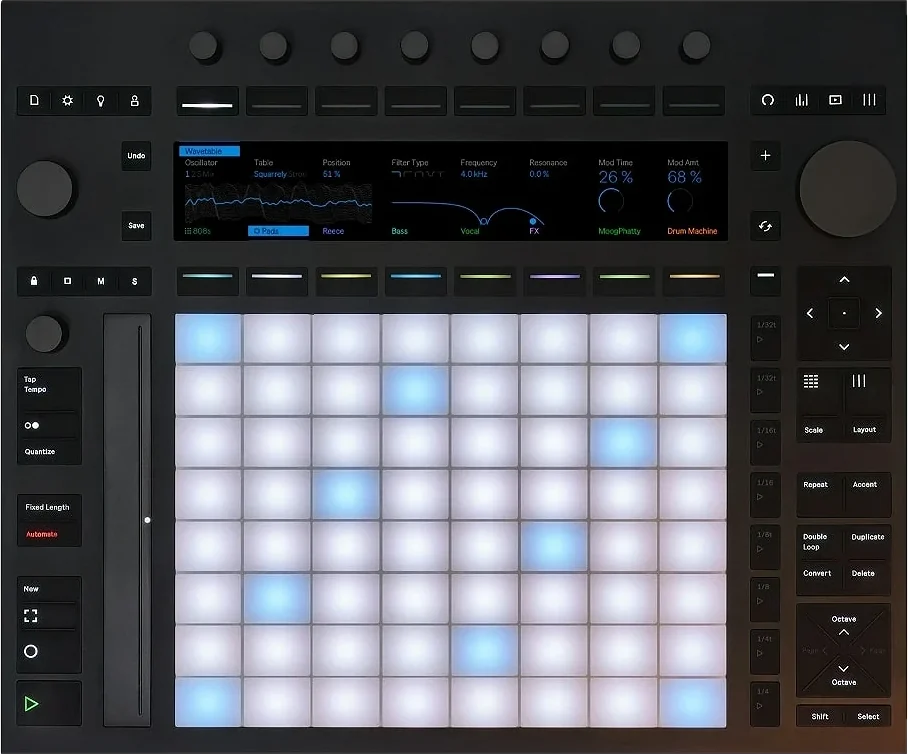
Ableton
Push 3 and Push 2 with their own module in SYNZ Studio. Each is recognized when you plug it in, with the device drawn and every control mapped.
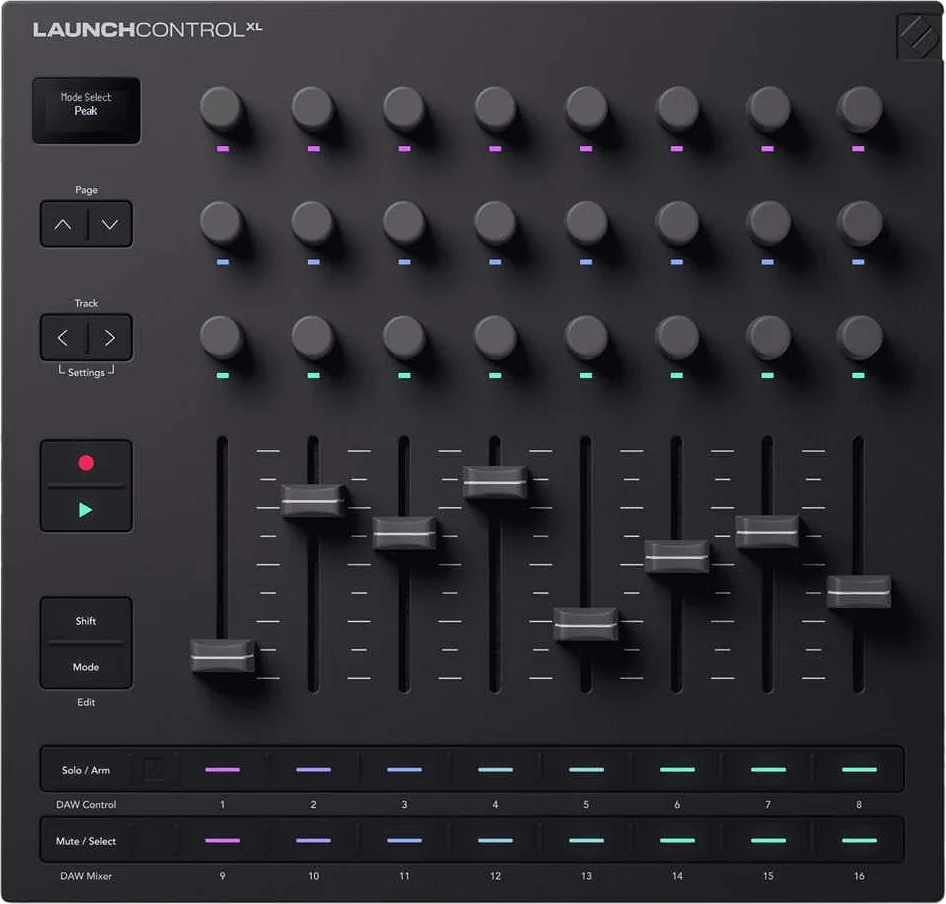
Novation
Launch Control XL 3 and Launch Control XL with their own module in SYNZ Studio. Each is recognized when you plug it in, with the device drawn and every control mapped.
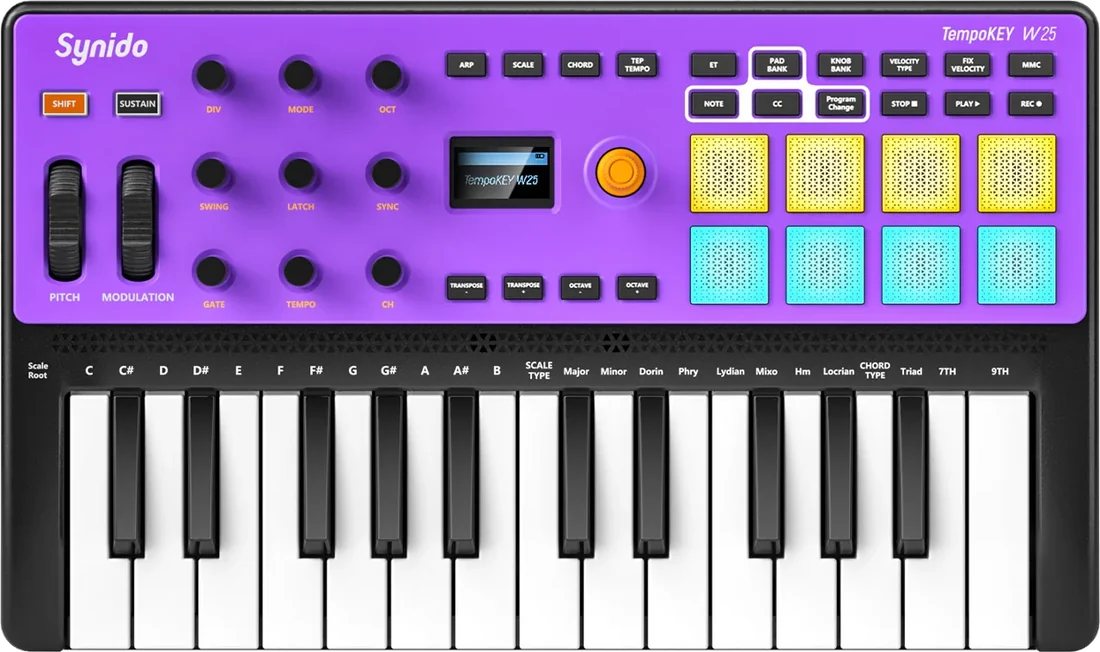
Synido
The TempoKEY W25 with its own module in SYNZ Studio: recognized when you plug it in, with the keyboard drawn and every control mapped.
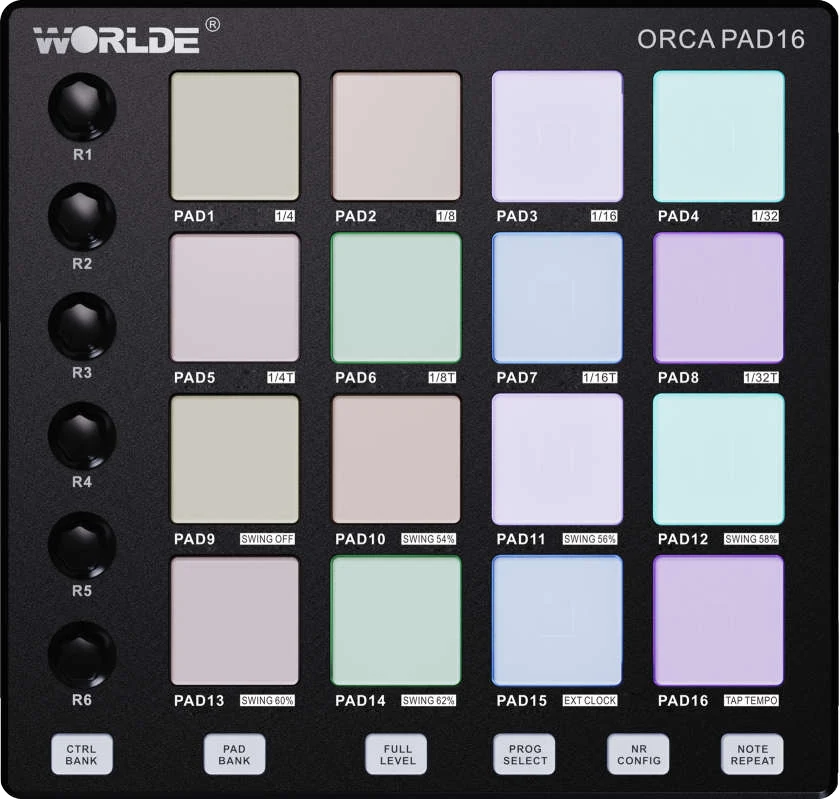
Worlde
Four Worlde controllers with their own module in SYNZ Studio: Panda MINI II, Orca Pad 16, Orca mini 37 and Easy Control Plus. Each is recognized when you plug it in, with the device drawn and every control mapped.
Drives the amps' pedalboard: bank 1, the four pedals of the chosen setup; the next banks pick a setup (the Looper or your pedalboards) and press at the same time.
Open SYNZ Studio in your browser, plug in your controller and it shows up in the library. Nothing to install.