SYNZ Studio is a professional DAW for producing
and playing live. It runs in the browser.
Drag an instrument from the library onto a track and it plays. Each one opens in its own window over the multitrack and has its channel on the mixer, one Tab away.
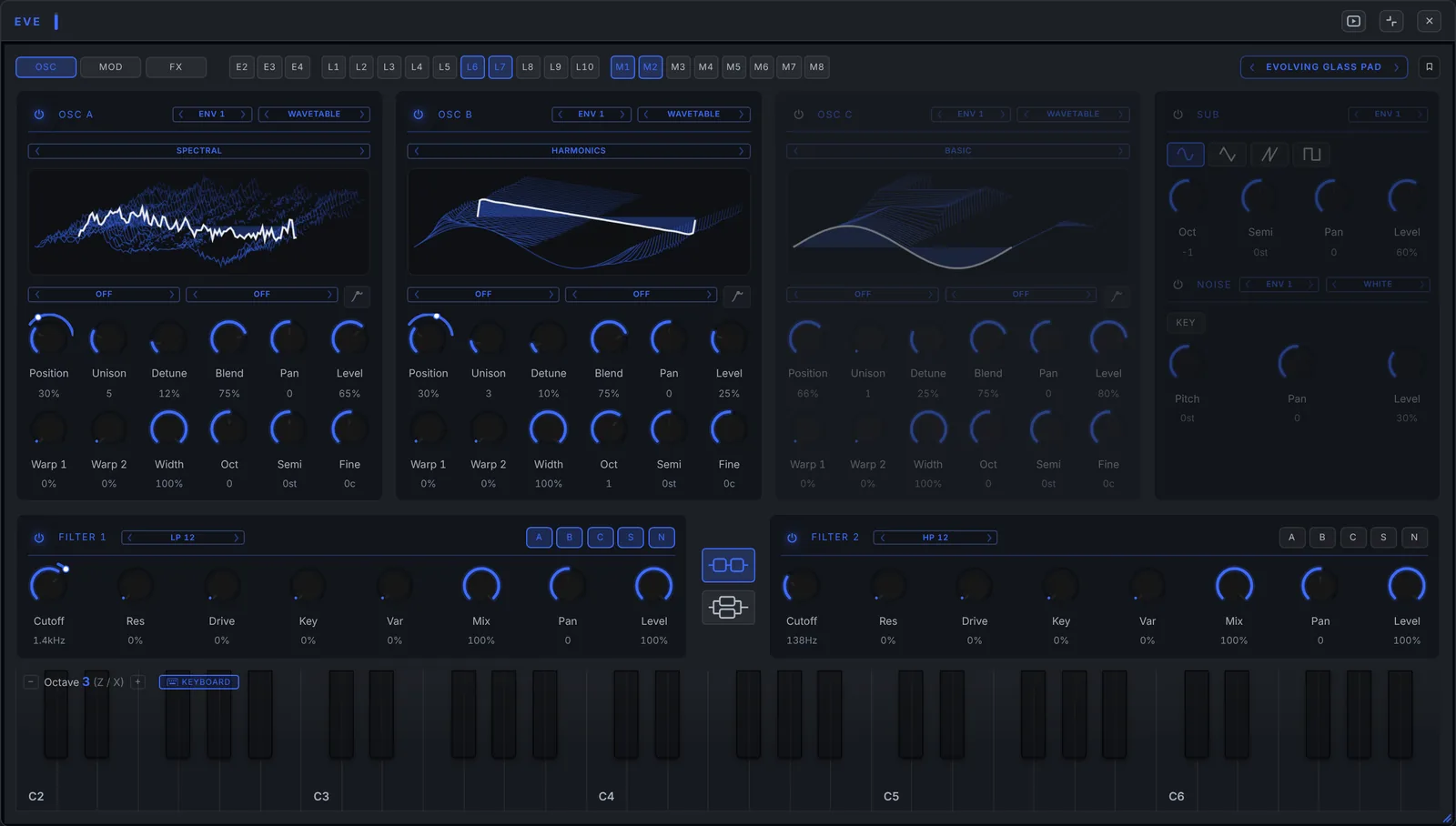
A wavetable synth: three oscillators with wavetables, samples or granular, two filters, ten LFOs, a modulation matrix and eleven effects. Over a hundred presets, from basses to pads and textures.
A real drum kit you play with the mouse, the keyboard or your electronic drums. Every piece has its own pan, reverb, compression and saturation.
Strings recorded note by note in five articulations: sustain, tremolo, crescendo, pizzicato and staccato. The bow holds for as long as you keep the key down.
Acid lines with accents and slides: pick the complexity and the octave range, and the generator writes the pattern.
A ribbon instrument inspired by the Mixtur-Trautonium: continuous pitch, subharmonics and formants. You play it by sliding along the ribbon with the mouse, or with your finger if you connect your phone or tablet.
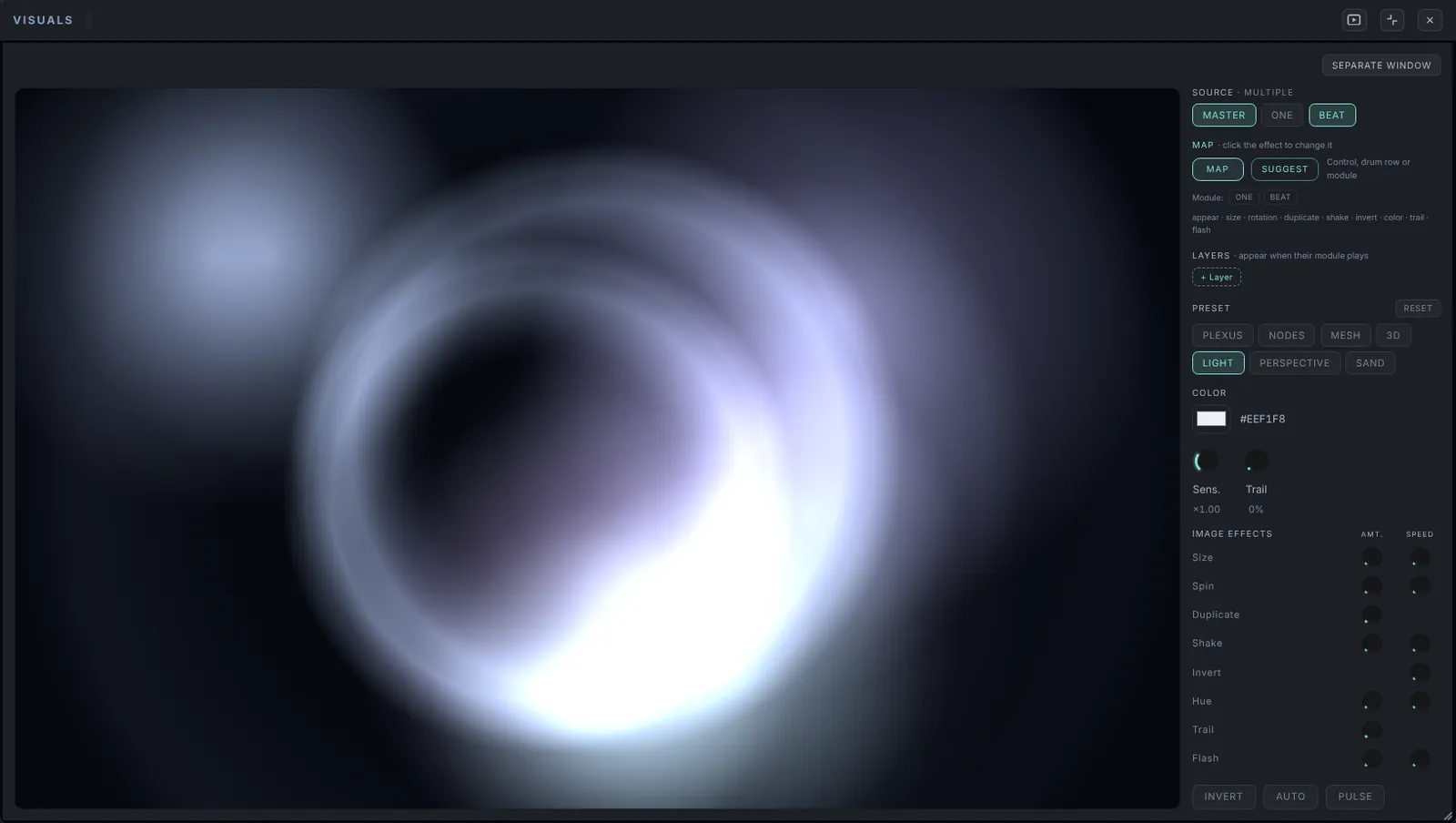
Shapes and color that react to the kick, the notes or an LFO, on a second screen or a projector.
The library grows with every update: synths, sequencers, guitar and bass amps, vocals and effects, each with its own page.
See all instrumentsDrums, Strings, Keys Mood, Electric Bass, Synth ONE, Candy Chords, granular, and oddities like the ribbon Trautonium or the harmonium.
Beat Seq, Bass Seq, arpeggiator and Acid Lab, with 16 and 32 steps, swing, A–D banks and patterns by style.
Guitar and bass amps with real captures and an effects pedalboard, and a vocal chain with pitch correction.
Audio and MIDI clips, inserts, sends and master. Record what you play and export to WAV or MP3.
Every track gets its channel: inserts, room, reverb and delay sends, EQ, pan and meter. Twenty-six insert effects, from dynamic EQ to vocoder, and LUFS metering on the master.

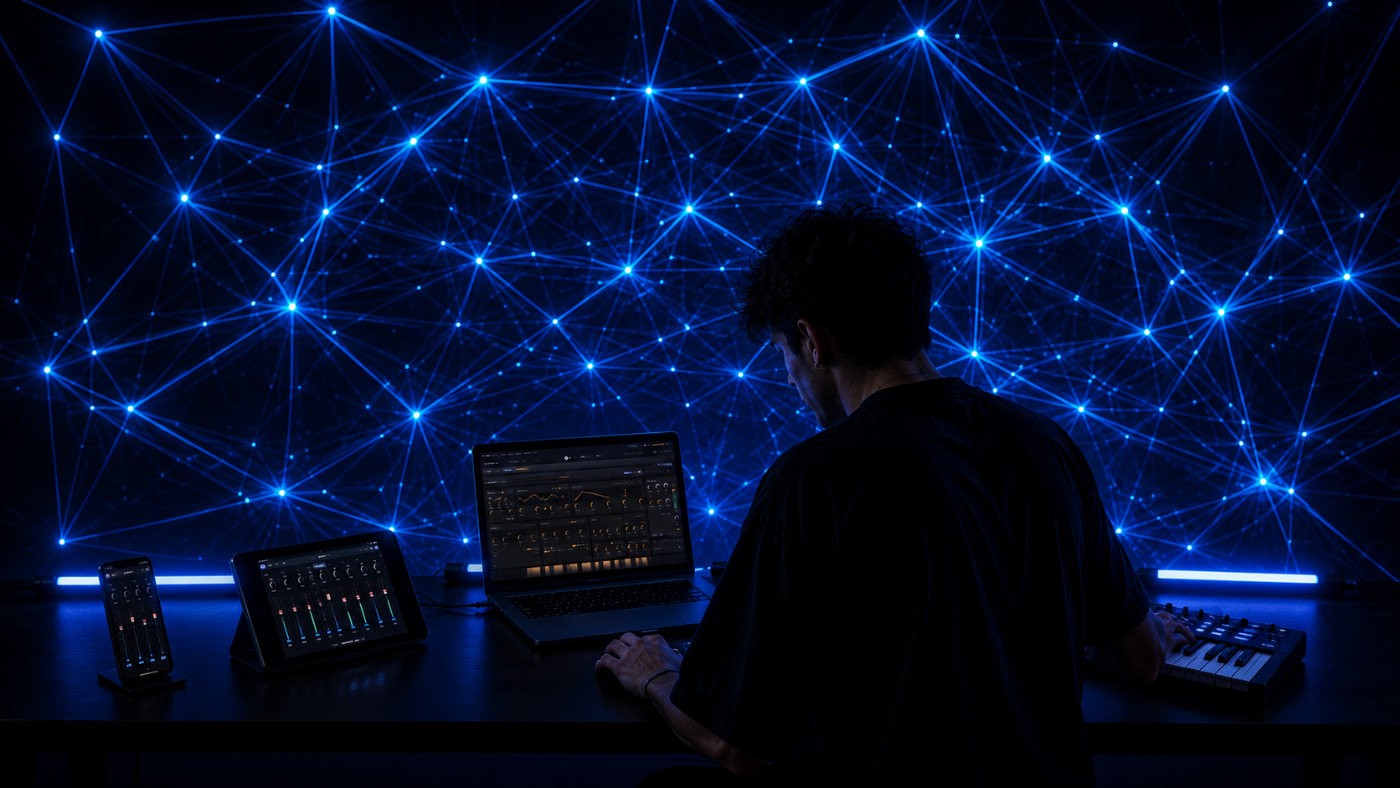
Live view puts what you need on stage in one place. Play with any MIDI keyboard or controller, or add your phone and some visuals. All optional: SYNZ works the same without them.
Scan a QR code and your phone or tablet becomes a session controller: ribbons, effect pads, mixer or transport. No apps, and as many as you like at once.
Geometry and color fields that react in real time to the kick, the notes or an LFO. Out to a second screen or a projector.
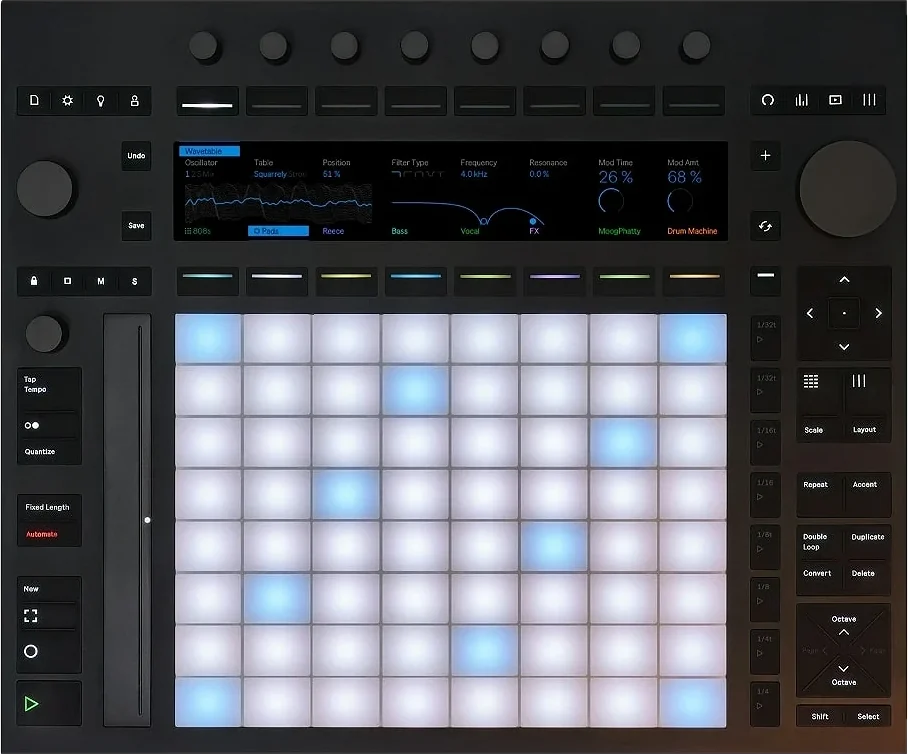
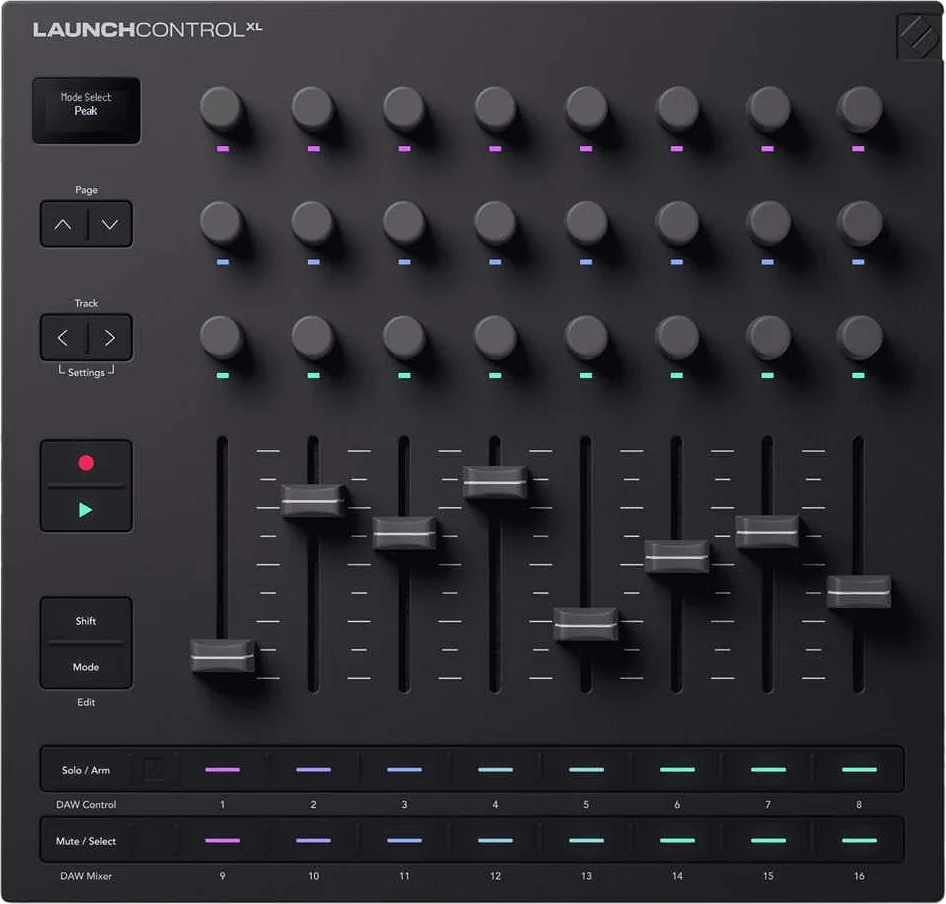
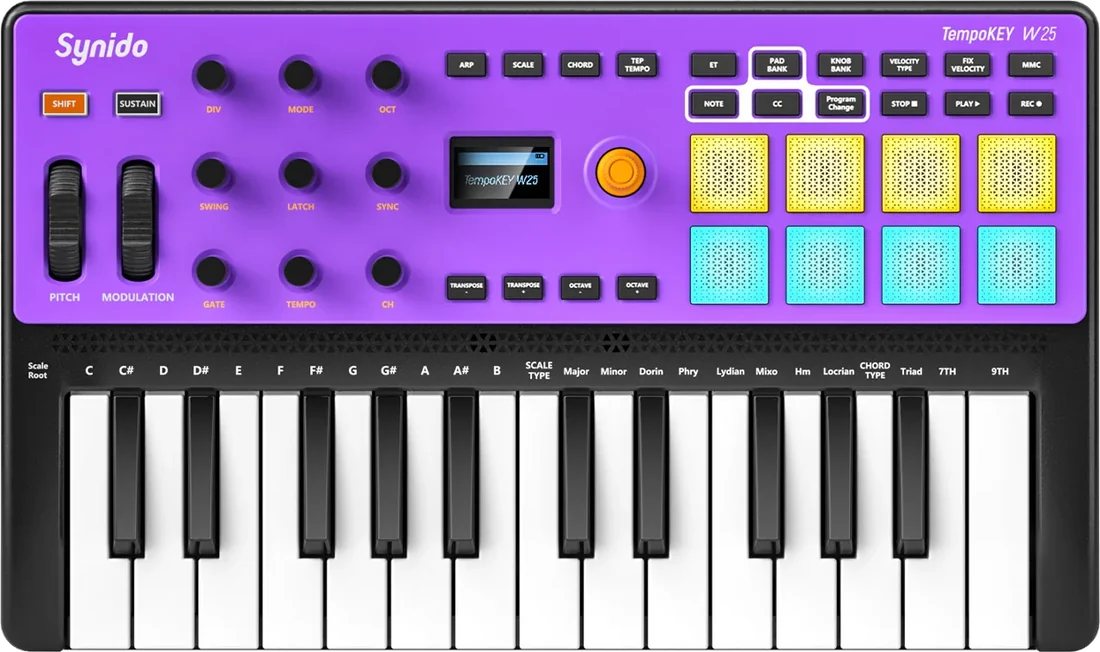
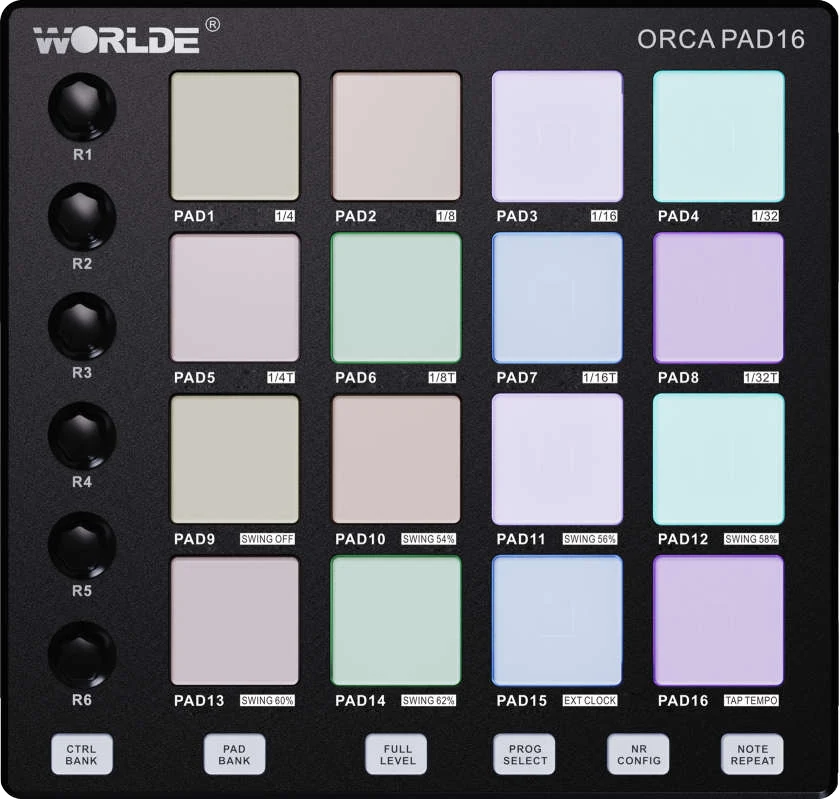
This isn't generic MIDI: SYNZ integrates each controller natively. Push, Launch Control, Synido or Worlde are recognized the moment you plug them in and get their own module, with the device drawn and every control already mapped, and you can customize all of it. Any other MIDI keyboard or controller works too.

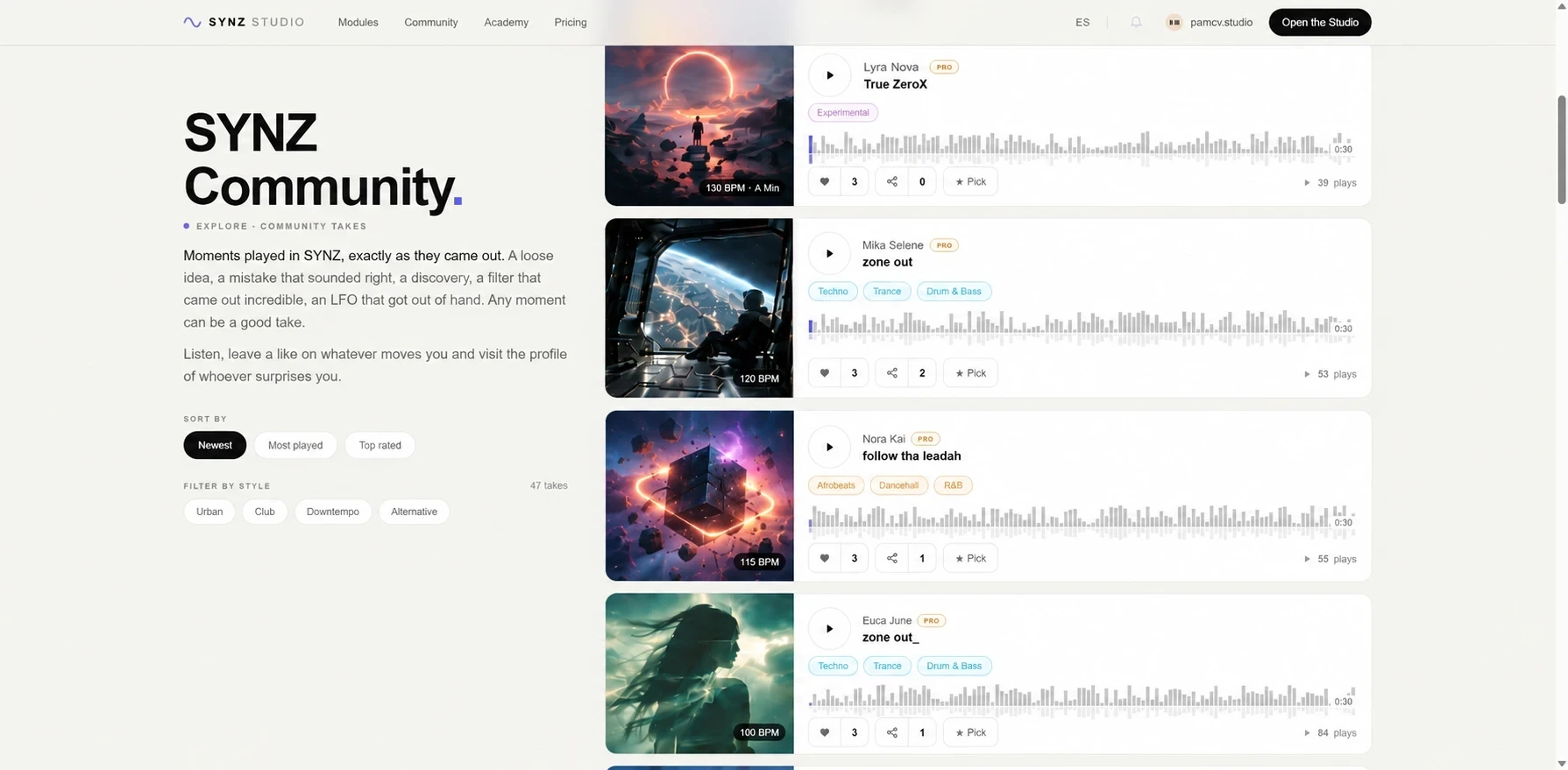
SYNZ Community is where people share what they make in SYNZ. Takes are for listening and samples are for using.
Record a take in the Studio and turn it into a vertical video for TikTok, Instagram or YouTube. Pick a template and make it yours: the visuals that move with your music, the color and the image. The Studio builds the video for you, no editing needed.
A video course on making music in SYNZ Studio: building sounds and beats, recording, mixing and finishing a track. Short videos, recorded in the real studio and arranged in sections.
And inside the Studio, you can also open guided tutorials that teach you interactively, with voice, while you keep playing.
No: it opens in your browser and that is it. No installer, no plugins. And once loaded it keeps working offline.
Yes, and it is not a demo with a countdown: almost every instrument, the multitrack with unlimited tracks, the mixer with EQ and sends, saving projects and publishing takes. The Pro account is €9 a month when you want multitrack recording and export.
A 2 GHz dual core with 8 GB already works; with four cores and 16 GB it runs comfortably. Use Chrome, with the charger plugged in.
To WAV or MP3 from the multitrack, with the master just as you hear it. You need a Pro account to export; the 30-second take is free on any plan.
It is built for it: Live view, visuals that react to the sound and your phone as a remote instrument so you can play standing up.
Yes, and it plays whichever instrument is selected. You can also map your knobs to any control in the Studio. Without one, your computer keyboard plays too.
The studio runs on a computer: it needs a big screen and a mouse. From your phone you can create your account and then use it as a controller.